

The core question: does this reduce friction or just add toys?
Most gaming gadgets fall into one of two buckets. Friction reducers remove annoyance, improve comfort, or increase consistency. Novelty multipliers add features you ll stop using after two weeks.
If you want to spend money like an adult gamer, buy the thing that removes the bottleneck you feel every session. Not the thing that looks good on a desk photo.
This article is a practical guide: what actually helps, why it helps, and how to avoid the most common gadget traps.
Category 1: Audio clarity beats surround marketing
Audio is one of the highest leverage upgrades because it affects both immersion and information. But the industry loves to sell surround as if it s automatically better.
What matters in real play:
– Positional clarity (imaging)
– Comfort for long sessions
– Mic quality if you play with people
Practical takeaway: a comfortable stereo headset with good imaging often beats gimmicky virtual surround presets.
Setup tip: pick one sensible EQ profile and stop swapping presets every day. Consistency matters more than endless tweaking.
Category 2: Input consistency is the real performance upgrade
Input devices don t just change how you play. They change how reliably you can repeat actions under pressure.
Mouse and keyboard
The spec-sheet trap is DPI and polling rate obsession. In practice, shape, comfort, and stability win.
What actually matters:
– A shape that fits your hand and grip
– A stable sensor (most modern sensors are fine)
– Good mouse feet and a consistent surface
Practical takeaway: lock one sensitivity and build muscle memory. Most players sabotage themselves by constantly changing settings.
Controllers
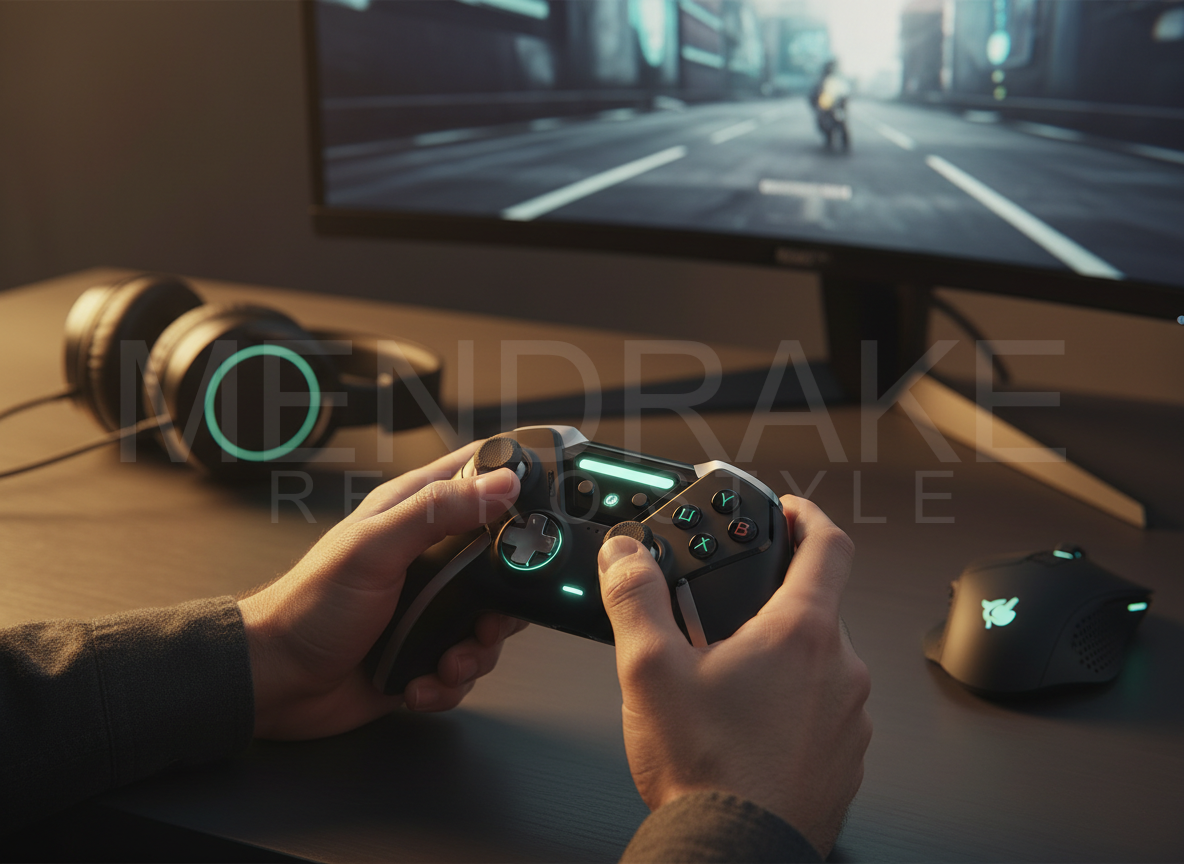
For action games, back buttons/paddles can be a real advantage because they reduce thumb movement and keep your camera control stable.
Practical takeaway: buy for ergonomics and durability first. Features second.
Category 3: Displays refresh rate is only half the story
A jump from 60 Hz to 120/144 Hz is noticeable for most players. Beyond that, the returns get niche unless you re competitive.
What often matters more than extreme refresh:
– Motion clarity and response behavior
– VRR stability (how well it handles frame rate swings)
– Correct configuration (refresh rate actually set, VRR enabled)
Practical takeaway: if you re not playing competitive shooters, prioritize a balanced panel (contrast, color, motion clarity) over chasing 240+ Hz.
Category 4: Chairs, desks, and the unsexy truth
Comfort is performance. Pain makes you play worse. It also makes you quit.
The gaming chair market is full of aesthetics-first products. The best chair is the one that supports your posture for your body type.
Practical takeaway: don t buy a race seat because the internet told you to. Buy support.
Micro-setup improvements that cost little but matter:
– Monitor at eye level
– Wrists neutral
– Feet supported
– Elbows roughly 90 degrees
Category 5: Lighting and eye comfort the upgrade nobody brags about
If you play at night, harsh contrast between a bright screen and a dark room increases fatigue.
Practical takeaway: add soft bias lighting behind the monitor or a gentle desk lamp. It won t make your FPS higher, but it will make your sessions longer and more comfortable.
Category 6: Storage and backups boring, essential
Game libraries are huge. Saves and mods matter. Drives fail.
Practical takeaway: keep a simple backup routine: cloud saves where possible, plus periodic local backup for mods and configs.
Category 7: Networking reduce the hidden lag
Many bad netcode complaints are actually home network issues: Wi-Fi congestion, bufferbloat, or router placement.
Practical takeaway: use Ethernet where possible. If you must use Wi-Fi, optimize placement and avoid heavy background uploads while playing.
The gadget traps (how people waste money)
Trap 1: Buying creator gear without a creator habit
Capture cards, pro mics, and streaming lights are tools. If you don t publish consistently, they re just expensive clutter.
Practical takeaway: start with what you have, prove the habit, then upgrade.
Trap 2: Chasing pro branding
A product labeled pro is not automatically durable or better supported.
Practical takeaway: evaluate warranty, repairability, and long-term reliability.
Trap 3: Endless upgrades instead of one stable setup
A stable setup is a performance multiplier. Constantly changing gear and settings resets your muscle memory.
Practical takeaway: upgrade only when you can name the friction you re removing.
Quick takeaways
– Audio: imaging and comfort beat surround buzzwords.
– Input: consistency and ergonomics beat spec-sheet flex.
– Displays: configure correctly; buy for your games, not your ego.
– Comfort gear is performance gear.
– Lighting reduces fatigue and improves long sessions.
– Backups are the most underrated gadget.
– Networking fixes often beat hardware upgrades for online play.
—
<div class=”mendrake-signature”>
<p><strong>Mendrake Editorial</strong> Player-first coverage. Clear opinions. Practical value.</p>
<p>More gaming analysis at <a href=”https://mendrake.com/”>https://mendrake.com/</a></p>
</div>

Leave a Reply